 Remove Silences
 Remove Retakes
 B-roll
 Motion Graphics
 Music
 Captions
 Film Look
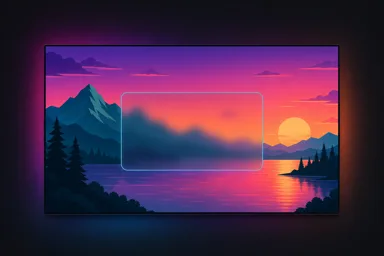 Blur
 Drop Shadow
 Spotlight
 Round Corners
 Motion Blur
Rough cut in minutes
Retakes and long pauses marked on your transcript. A 35-minute take, a 7-minute video.
 BeaconBetaDownload
Record yourself and your screen. Beacon cuts the retakes, grades the look and adds the captions, on its own or driven by Claude Code, Codex or Cursor.
› Cut the retake and the long pauses.
transcript_retakes
working…⎿ 1 retake and 1 silence cut, one undo
› Add captions, a few words at a time.
captions
working…⎿ 6 captions, timed to your words
› Give it a warm film look.
Film Look
working…⎿ A warm grade on every clip, cooler shadows
› Punch in when I say “half”.
keyframes
working…⎿ Zoom to 125% on “half”
› Add a graphic for “half the time”.
motion_make
working…⎿ “2× faster editing”, timed to your words
› Put chill music under it, and a whoosh on the punch-in.
volume_setPoints
working…⎿ Music ducked under your voice, a whoosh on the zoom
From the rough cut to the last caption, without a round trip to five other tools.
Retakes and long pauses marked on your transcript. A 35-minute take, a 7-minute video.
Pick a look and see it on your shot. For Shorts, words pop in as you say them.
A track that fits the section, ducked whenever you speak.
Room, hum and level evened out, so a desk mic sounds like a studio one. Have a listen.
A desk mic as recorded, then after Clean sound, at the same loudness.
Grade, grain, halation and vignette in one effect, with 40 looks modelled on classic film stocks. Hover a look to see it on your shot before you pick it.
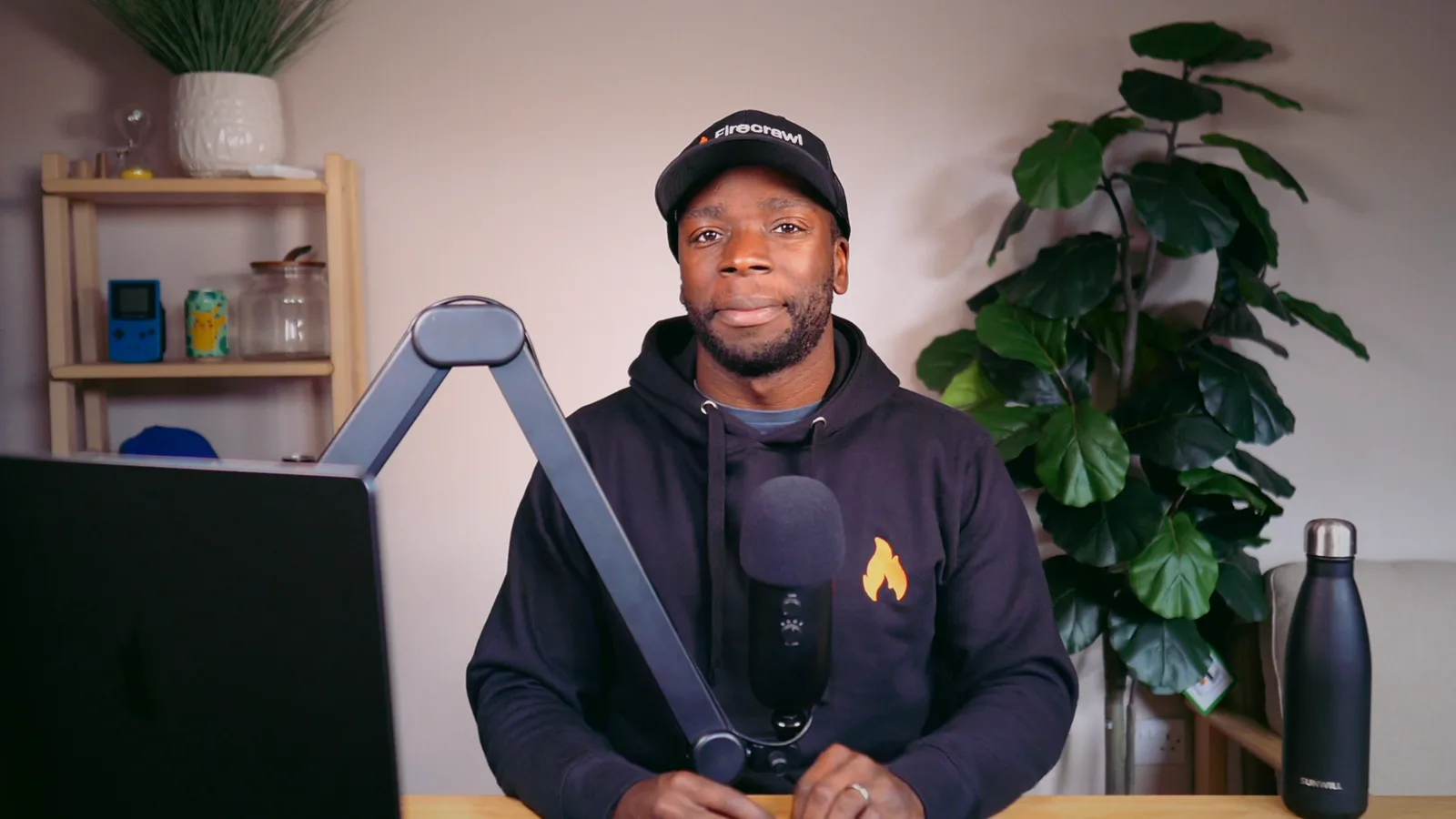
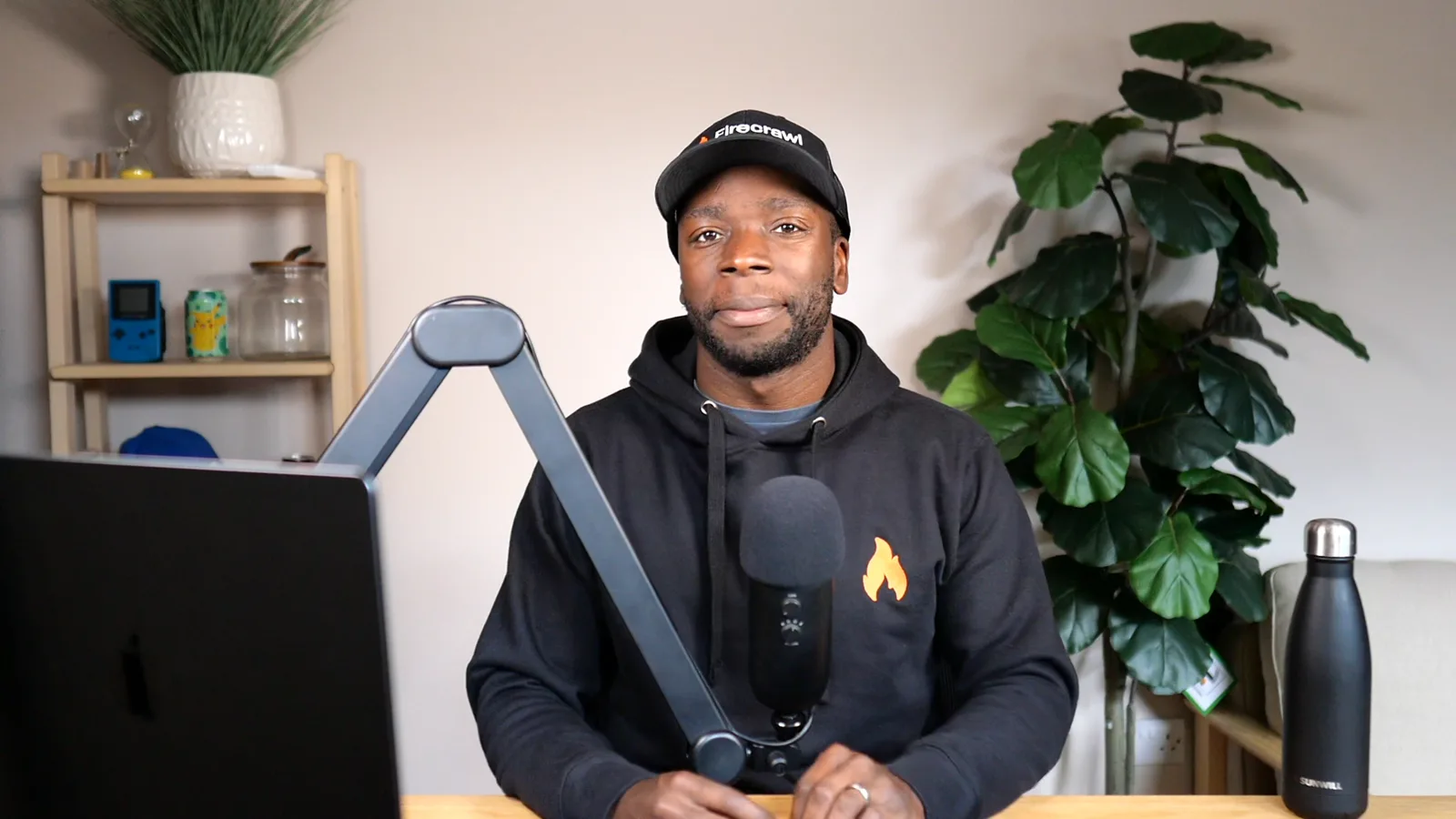
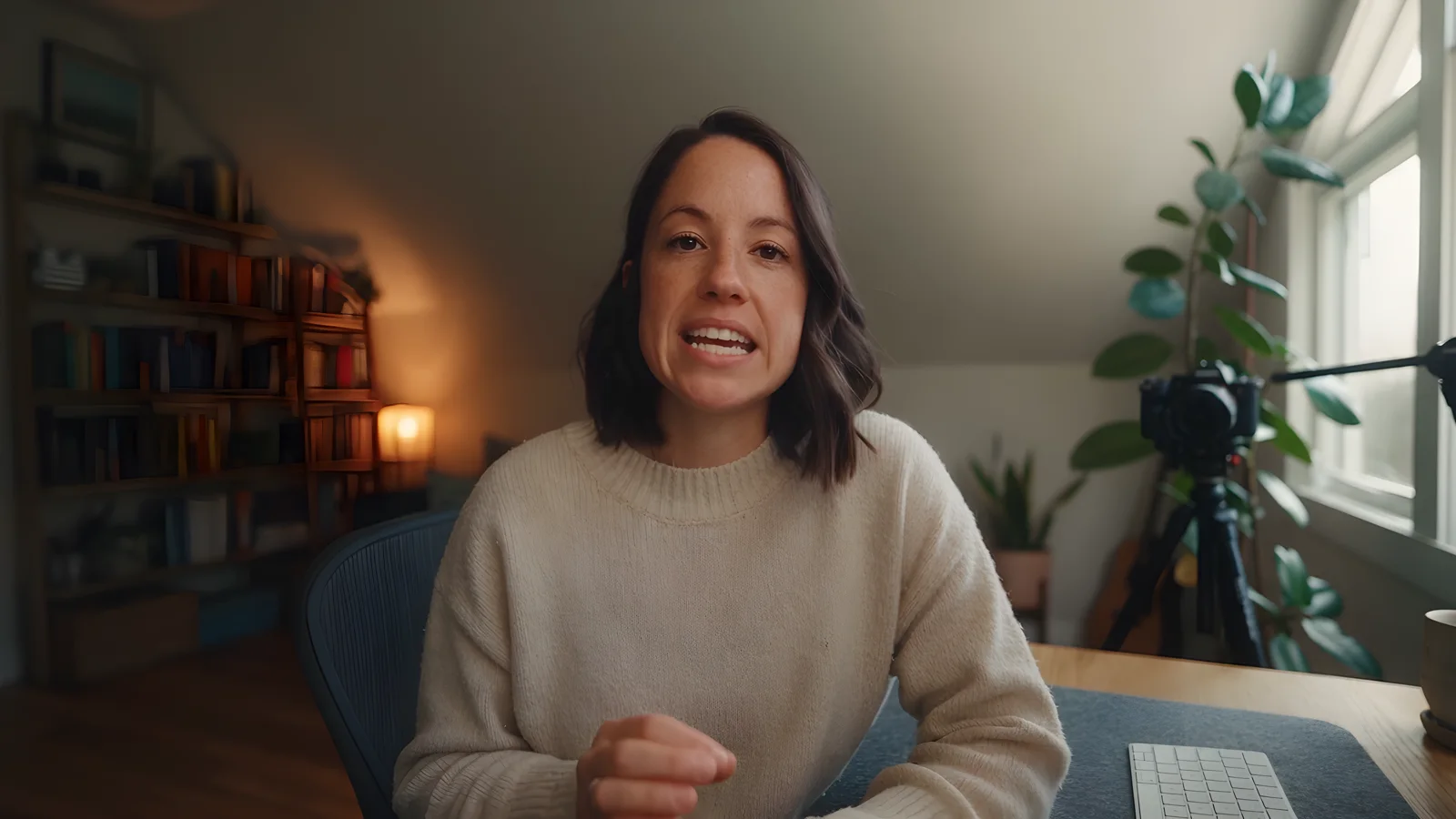
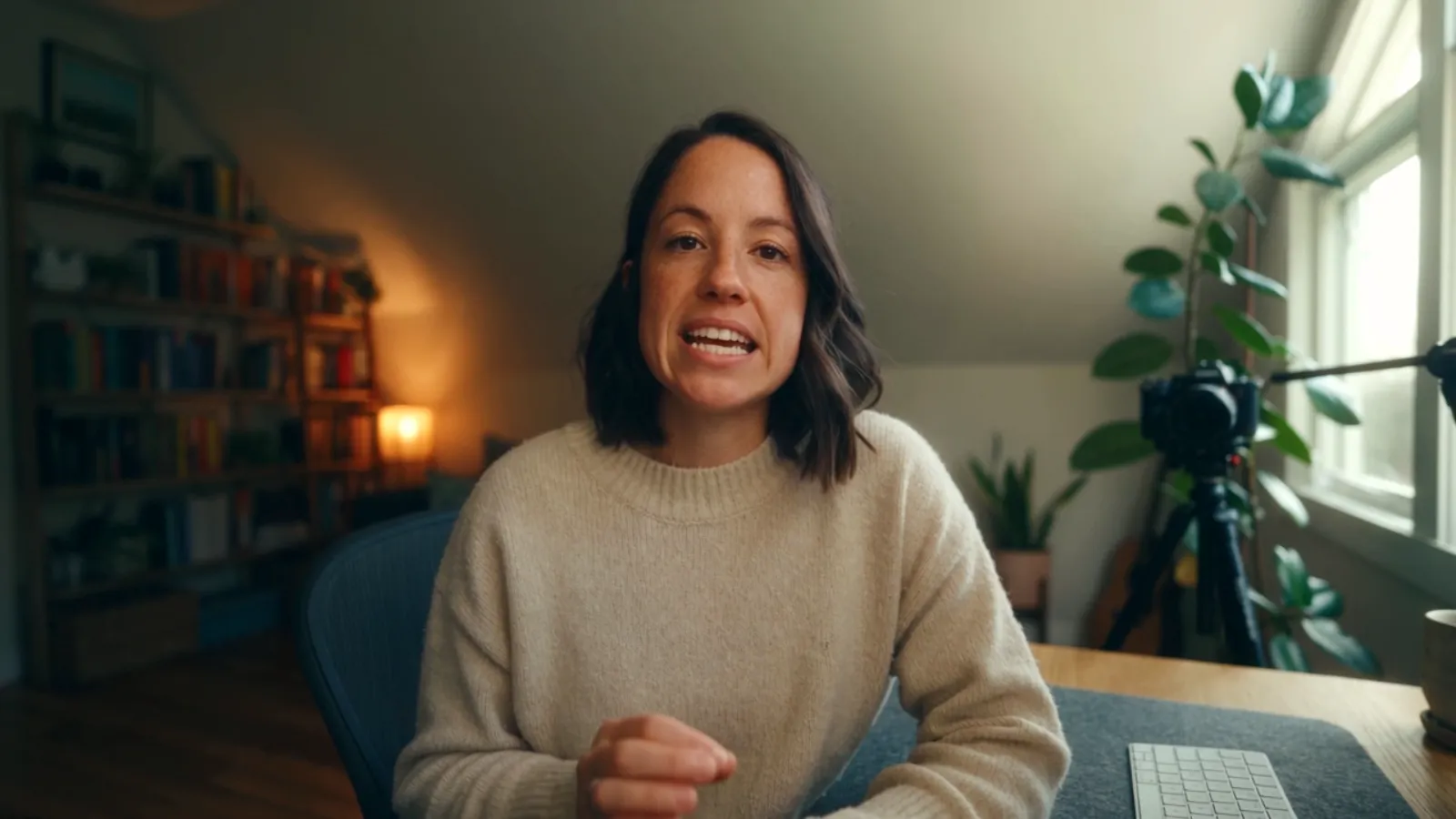
The same frame of a real video, rendered in Beacon with and without its Film Look.
Look
Split tone
Drag a wheel: around for the hue, out for strength.
Everything in Film Look: the grain, halation and 40 film stocks
Beacon ships its own MCP server, so the agent you already use can cut, lay out, look at frames and export, live on your timeline while you work.
“Rough-cut today's take the way I usually do, then export a draft.”
From Claude Code, Codex, Cursor or any MCP client.
The same tools the app uses.
Claude Code cut 47 silencesits cut, undone
You moved the title
KeptIts edits land on your timeline while you keep working. Undo the agent's last change and yours stay put.
Your recordings, transcripts and projects are files on your Mac. Cutting, grading, captions and export run on it too, encoded on its own GPU.
The AI steps that go online use services through keys you add in Settings, and generated pieces show their cost before they run.
Against the screen recorders people ask about most, on the things they ask about most.
| Beacon | Camtasia | ScreenFlow | Screen Studio | Descript | |
|---|---|---|---|---|---|
| Price | Free during the beta | From $179.88 a year | $199, paid major upgrades | $108 a year | From $16 a month, billed yearly |
| Edit by transcript, cut pauses | With Audiate, a separate app | Not listed | |||
| Your AI agent edits | On your Mac, live on your timeline | In testing | Not listed | Not listed | In the cloud, after upload |
| Opens Camtasia projects | |||||
| Source code you can read |
Checked on each maker's site on 14 November 2026. The full comparison, and where the others are better
macOS 26 or later on Apple silicon (M1 or newer). It's self-contained: its own video and speech tools are inside, with nothing else to install.
Beacon is free to download. There are no plans or prices yet. Generated pieces, like a camera angle or B-roll, show their cost before they run.
Beacon is in early beta: expect rough edges, and keep copies of what you edit.
Recording, transcription, cutting, Film Look, captions and export run on your Mac. Some AI steps, such as finding retakes, camera angles, B-roll, motion graphics and studio sound, use online services through keys you add in Settings.
No. Every change, yours or your agent's, is saved to your project as you make it, written so a crash can't leave it half-saved. How saving works
Any MCP client: Claude Code, Codex, Cursor and others. Beacon runs its own MCP server, and the agent's edits show up live on your timeline.
Yes. Make a 9:16 project and the TikTok, Reels and Shorts safe areas show on the canvas, with a check for captions and text under the platforms' buttons.
H.264, HEVC and ProRes, plus GIF and WebM, exported from the GPU.
Yes. Beacon is built in the open: the source is on GitHub, and issues are welcome. Beacon on GitHub
Yes. Beacon is signed and notarized by Apple, so it opens like any app you download. How to install