Grade
Exposure, contrast and saturation, with warmth set in kelvin and a tint between green and magenta.
 BeaconBetaDownload
Grade, grain, halation and vignette in one effect, with 40 looks modelled on classic film stocks. It runs on your Mac, live as you edit.
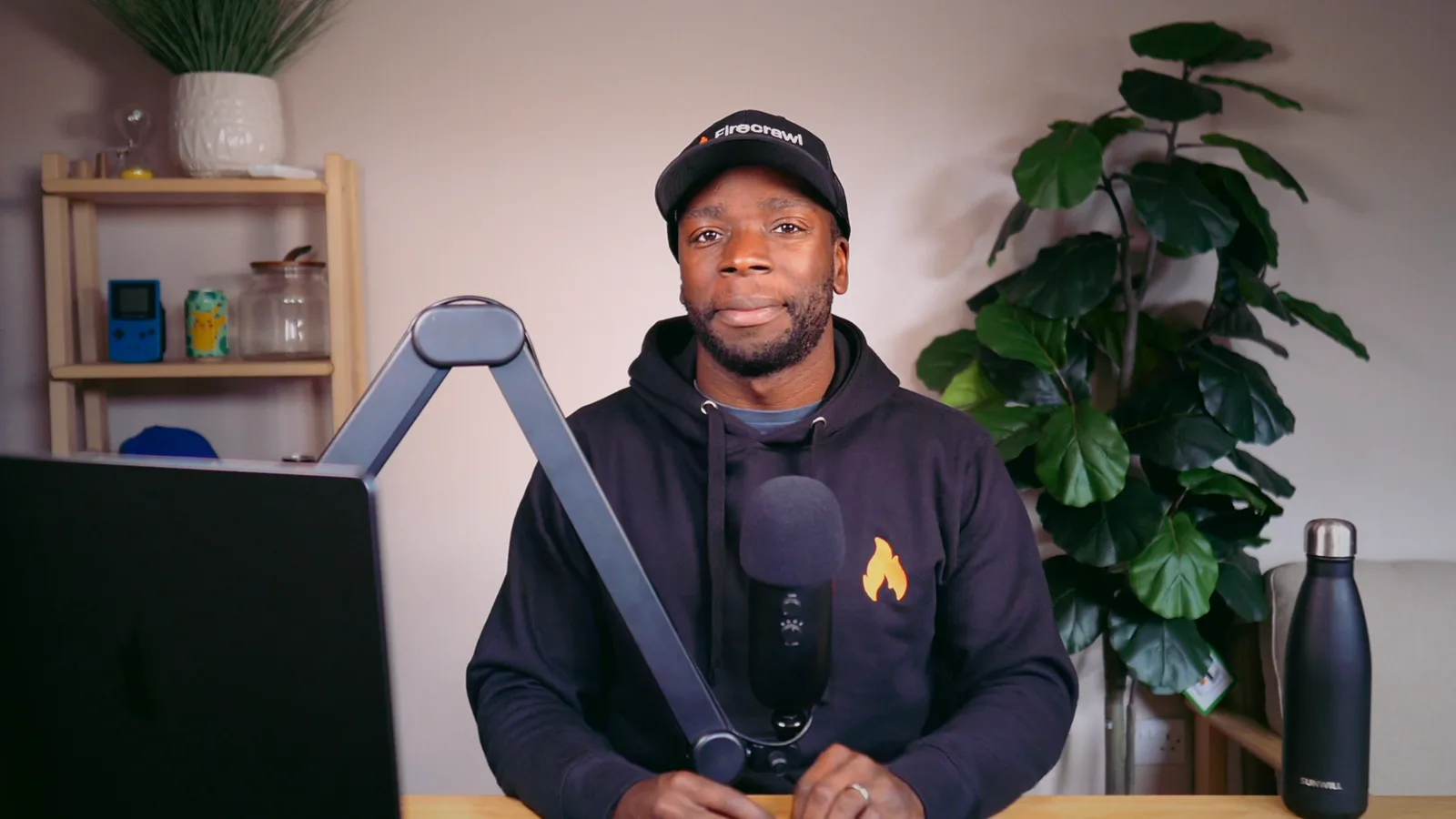
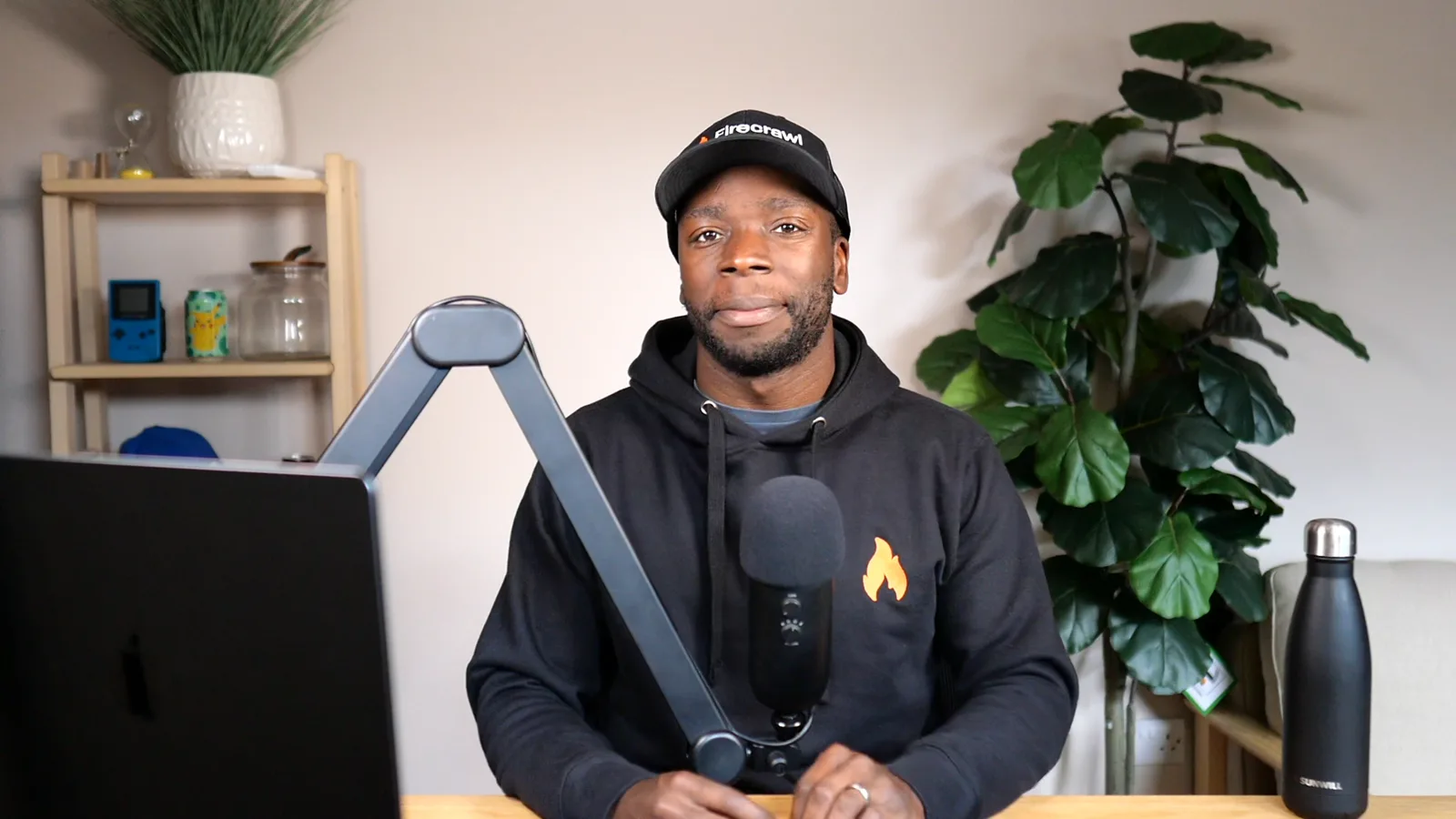
The same frame of a real video, rendered in Beacon with and without its Film Look.
Exposure, contrast and saturation, with warmth set in kelvin and a tint between green and magenta.
From fine to chunky, sized to taste. At full strength it's as heavy as an ISO 3200 film.
The red glow film gives around bright highlights, from a tight edge to a wide bloom.
Lifted blacks and flatter contrast, for the soft look of a print.
Shadows tinted one hue and highlights another, like teal shadows under warm skin.
Edges that fall off into the dark, drawing the eye to you.
Each look is modelled on a real film. Hover one to see it on your shot before you pick it.
One dial for how much of a look shows. Start from a stock and pull it back until it's yours.
Save a look you've tuned and use it in every project. Looks made as .hlook files import too.
Say what you want, like “warmer, less grain”. An AI model looks at three frames and sets the sliders, for about a cent on your own key, as one undo step.
Copy a clip's look and paste it onto the rest, or ask your agent to grade them all.
Your screen, filmed.Put a recording on a monitor in a dim room, focus following your cursor.
Moves like a camera.Motion blur, and zooms that follow your cursor in and out.
Bring your LUTs.Apply any .cube LUT, alongside or instead of a Film Look.